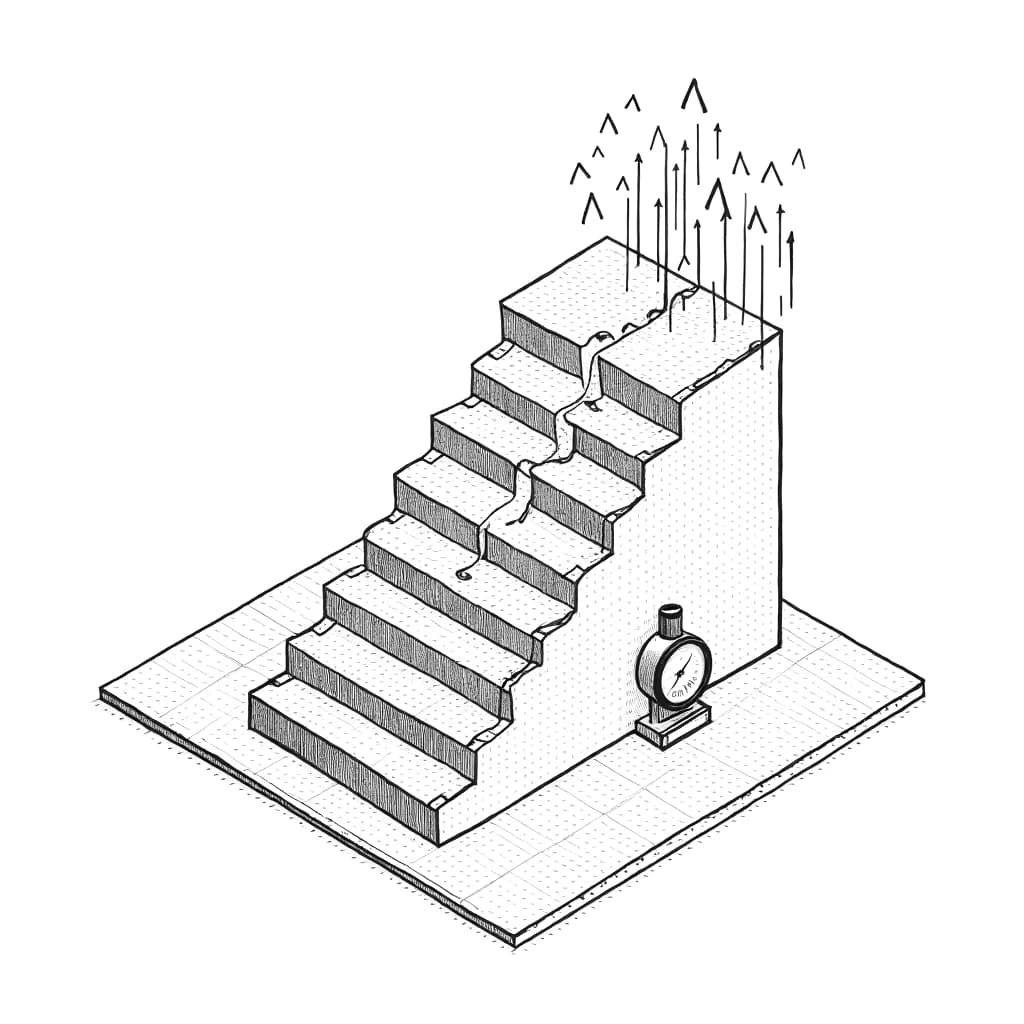
Load testing
Know your ceiling before your users find it.
Load Testing is a one-time Optics add-on that answers one question: how many people can your app serve at once? It walks you through a rehearsal of your busiest day against a site you own, then reports the number you actually hold, what gave way first, and a grade you can compare release to release.
It reports a ceiling, not a verdict
The ramp climbs to eight hundred concurrent and reports the level you held before latency ran away. That number is useful; a pass mark is not.
It separates the two ways you fail
An overloaded app is slow for everyone. A rate limiter is instant for some and refuses the rest. Both look like errors in a summary, and only one is your app.
It will not let you cheat the number
When the edge refused the traffic, the run says so instead of scoring the app it never reached. Raising the limit to clear the finding is called out as the wrong fix.
Know how many people your app can serve at once.
- Walks you through a busy-day rehearsal of your own app
- Tells you how many people you can serve before it slows
- Shows what gave way first, and how to fix it
- Watch your headroom grow run after run
A capacity figure
The concurrency you serve, the level where it breaks, and the grade for the run.
Setup
Point the runner at a host you own. Results upload against the project's own key.
$199
Pay once and Load Testing is unlocked for your whole organization, on top of a Pro or Team plan. Not a subscription, and never priced per run.
Resilience Suite: $619
Pentest, Load Testing and DDoS Resilience in one purchase. 17% off buying them separately, saving $128.
See the suiteWhat is load testing in Optics QA?
It is a rehearsal of your busiest day. Optics walks you through sending realistic traffic at a site you own, then reports the number of people you can serve before things slow down — not a pass mark. Every run comes back graded, with what gave way first and a ready-made fix for each problem.
Do tests run against my infrastructure?
Yes. The traffic comes from your own machine or your build pipeline, aimed at a site you own, and Optics walks you through it. Results come back to your project, where the scoring and grading happen.
Is this a subscription?
No. Load Testing is a one-time $199 purchase that unlocks the capability for your whole organization, on top of a Pro ($69/month) or Team ($249/month) plan. Run it as often as you like.
What if my own defences block the test?
The run tells you, instead of blaming your app. Optics tells the two kinds of failure apart — an app that has run out of room, and traffic turned away at the door before it ever reached you — and says so when the protection was doing its job and should be left alone.
What do I get after a run?
A number: how many people you can serve, where it starts to break, and a grade for the run. Every run is kept, so you can see whether a change moved your ceiling up or down.
Is Load Testing included in the Resilience Suite?
Yes. The Resilience Suite bundles Pentest, Load Testing and DDoS Resilience in one $619 purchase: 17% off buying them separately, saving $128. One purchase unlocks every part of it for your whole organization.