Know it works.
Prove it.
Optics watches your app for the failures nobody reports, proves it holds up under load and attack, and turns everything it finds into a ticket that already has an owner.
the concurrency you actually serve
the level where latency runs away
when the edge stopped it, not the app
Everything that can go wrong, watched in one place.
Optics covers the whole surface: the errors your users hit, the sessions behind them, whether the site is even up, and whether it survives load and attack. Each one has its own page.
A+ → F
Security and load passes score out of 100 and carry a letter, weighted so one critical outranks a pile of lows.
800 VUs
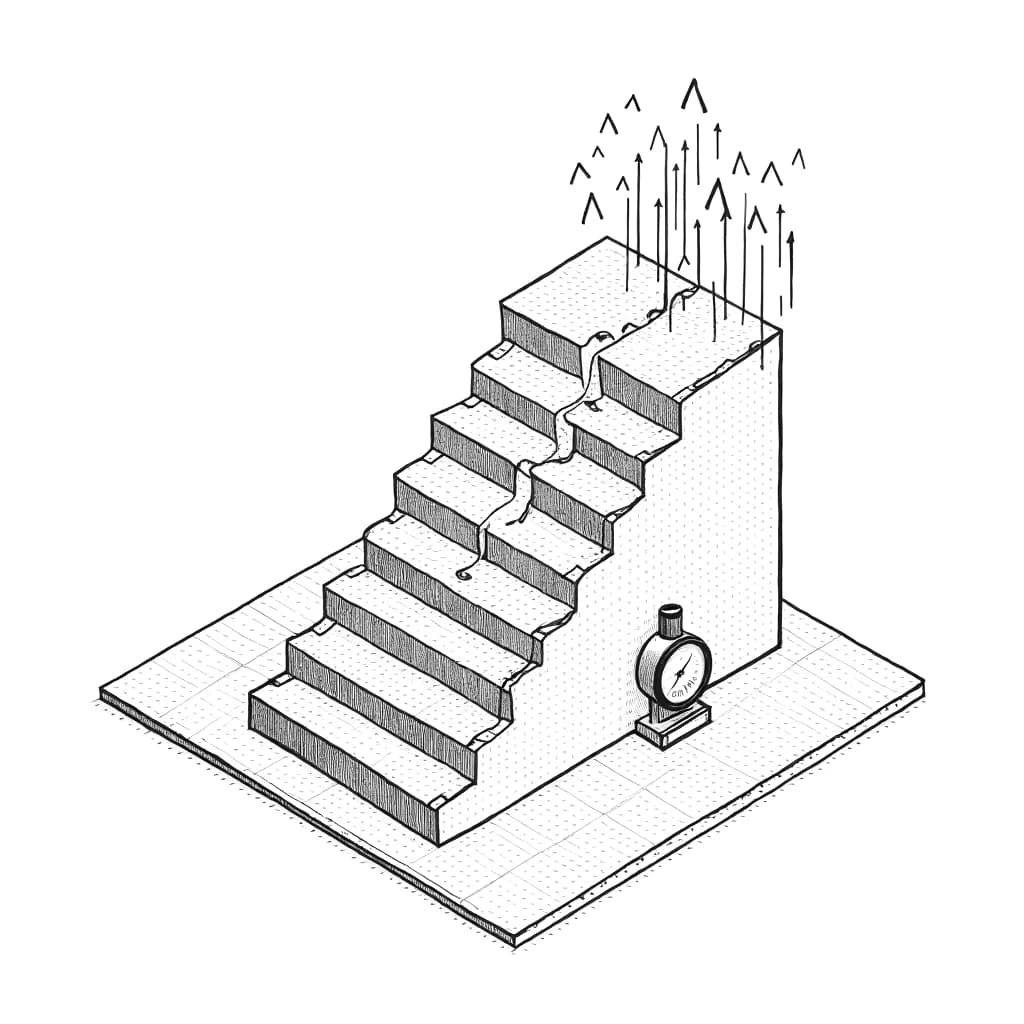
Each load run ramps to eight hundred concurrent and reports the level you actually hold, not a pass mark.
Full DOM
Sessions record the document, not screenshots, so you skip to the failure instead of reconstructing it.
One line
A script tag in the head. No build step, no config file, and removing it is how you cancel.
One line, or none at all.
Drop the script in your head tag and the SDK starts recording. If you would rather not touch the app at all, install the extension and browse. It captures the same thing from the other side of the glass.
- Or the extension
- QA browses, it records. Same data, nothing shipped to production.
- Privacy
- Personal data is masked at the SDK boundary, before anything is sent.
- Removing it
- Delete the tag. There is no uninstall step and no residue in the app.
<!-- Anywhere in the document head --><script src="https://optics-qa.com/sdk/v1/optic.js" integrity="sha384-UIh7yARBAKL2wKNK5itfyoSTkW+Vx6AnR8WmUOBB5EAmxb6QuOpjssroU1ZETmyx" crossorigin="anonymous" data-key="YOUR_PROJECT_KEY" async></script>Find it before
they do.
Three days free, no card. Install it on one project and see what comes back before you decide anything.
Cancel by removing the script tag